🔗 App Integration in SkySenders
Launch the SkySenders App.
Click on “Settings” located in the bottom-left corner of the dashboard.
In the Settings menu, click on “Integrations.”
You’ll see below list applications that can be integrated with SkySenders.
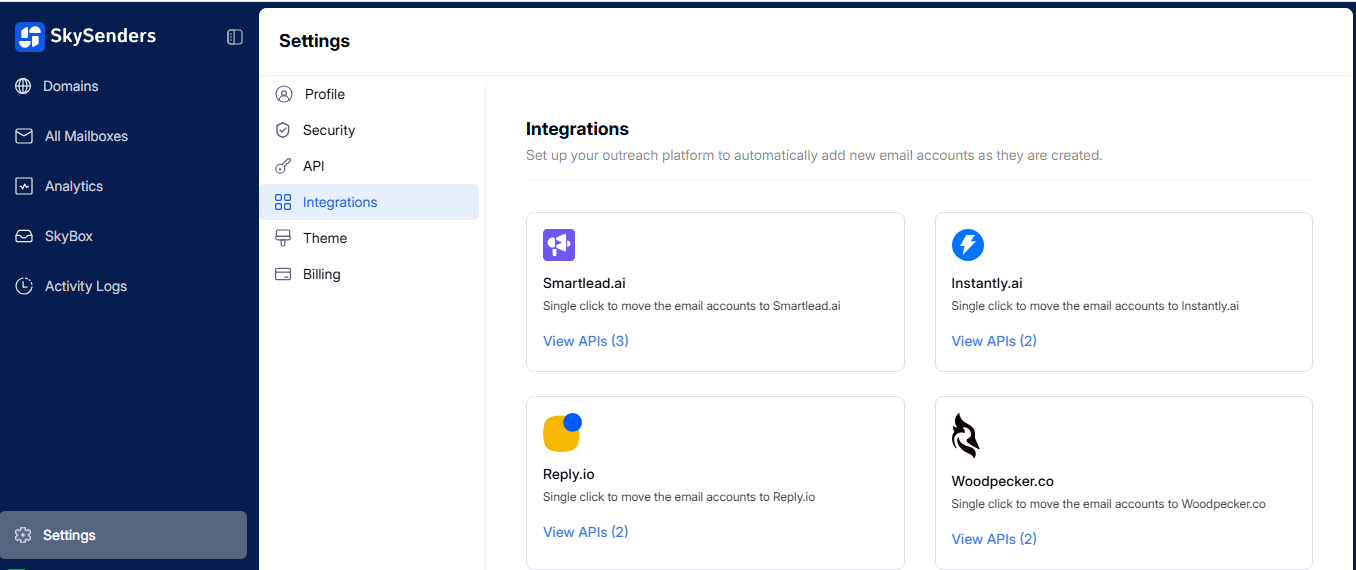
Locate the app you want to integrate.
Click on “View API” to manage API settings for that specific app.
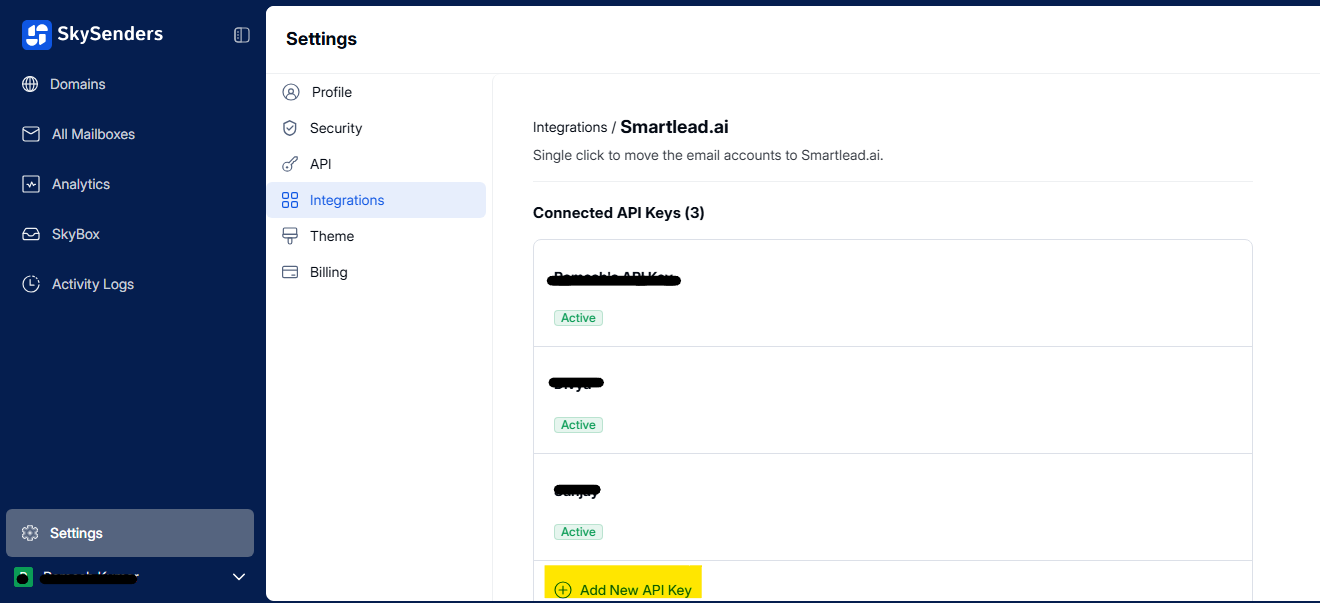
Click on “Add New API Key.”
Enter the following details:
Name of the integration
API Key provided by the third-party app
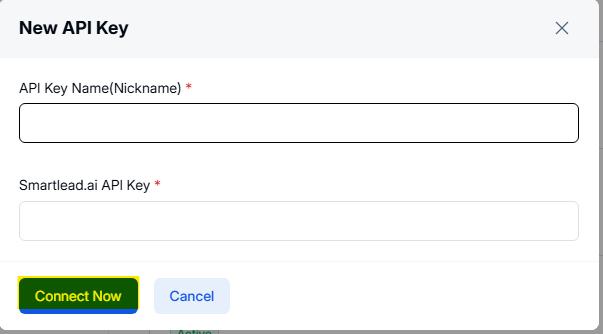
Click “Connect Now” to complete the integration.
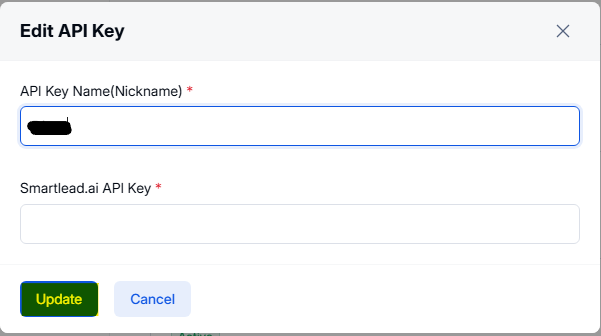
Click on the pencil icon (✏) next to the active API key.
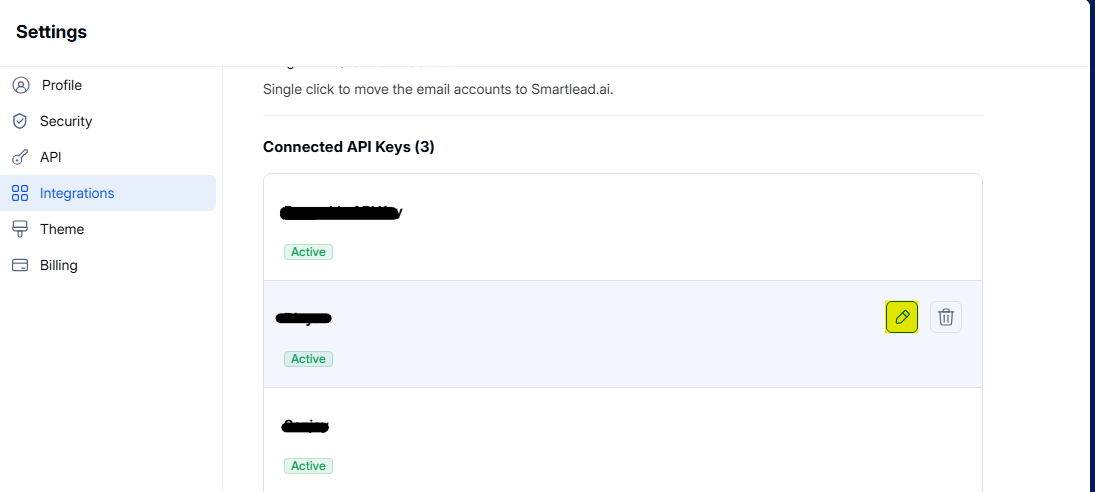
Update the Name or API Key as needed.
Click “Update” to save your changes.