
Information Available in Activity Logs
1. Mailbox Operations
Mailboxes added successfully
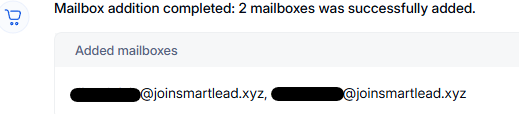
Mailbox addition failures
Mailbox deletions
2. Domain Management
Domains successfully added
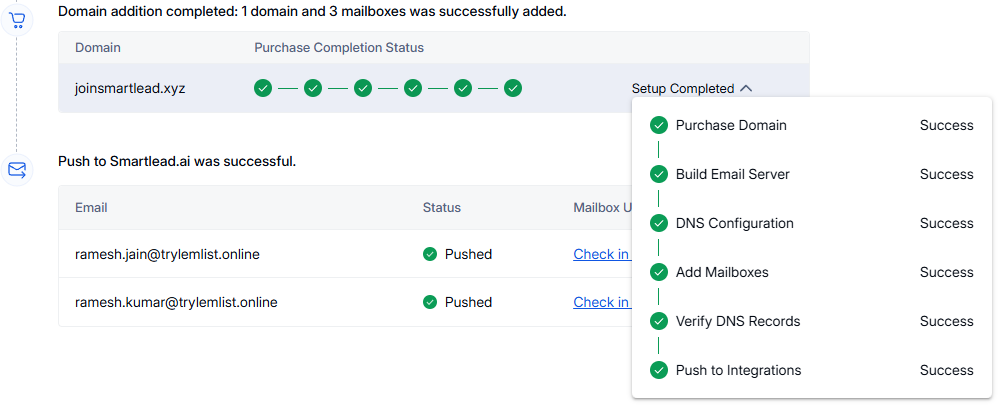
Domain deletions

3. Push Operations to External Platforms
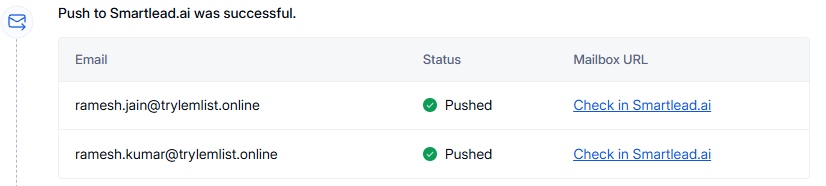
Successful push actions
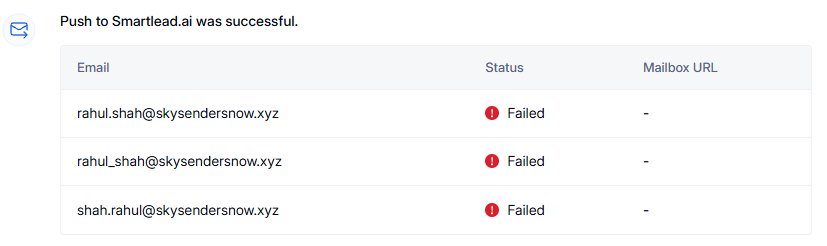
Failed push actions
Links to verify push status
Link to verify the push status will be available in the successful push action log under the mailbox URL column.
How to Use Activity Logs
Review logs to confirm mailbox or domain changes.
Check push statuses to ensure successful external integrations.
Identify failed operations for troubleshooting.
Activity Logs serve as a vital resource for tracking system actions and maintaining operational transparency. Be sure to review them regularly for updates and status checks.