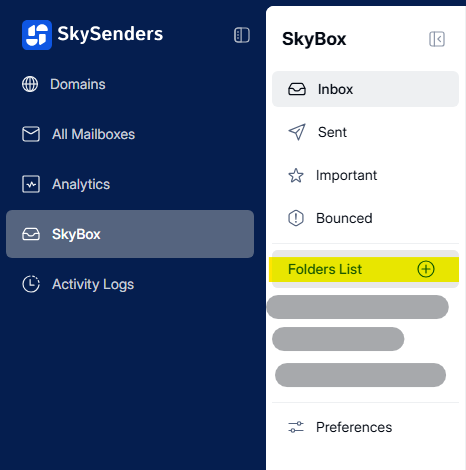
1. Go to SkyBox > Preferences.
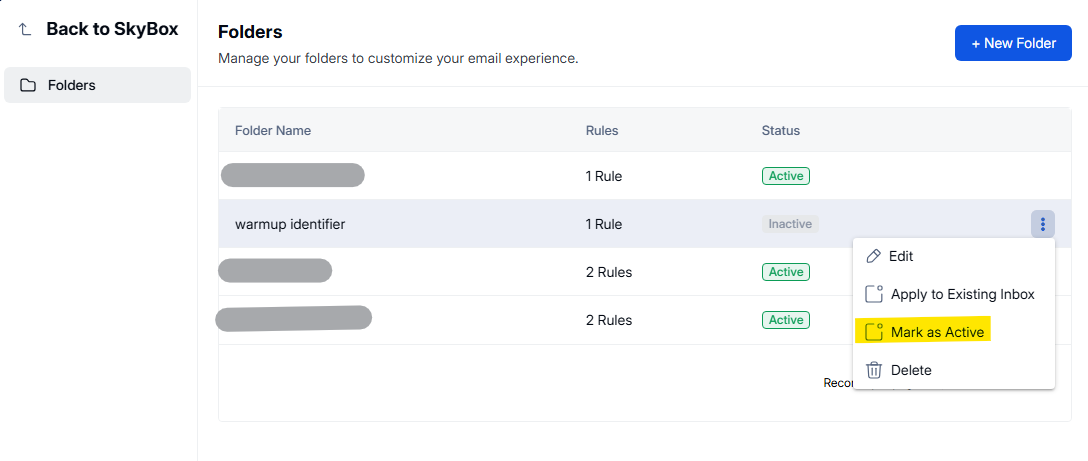
2. Hover over the folder name.
3. Click the three dots.
4. Choose Mark as Active/Inactive.